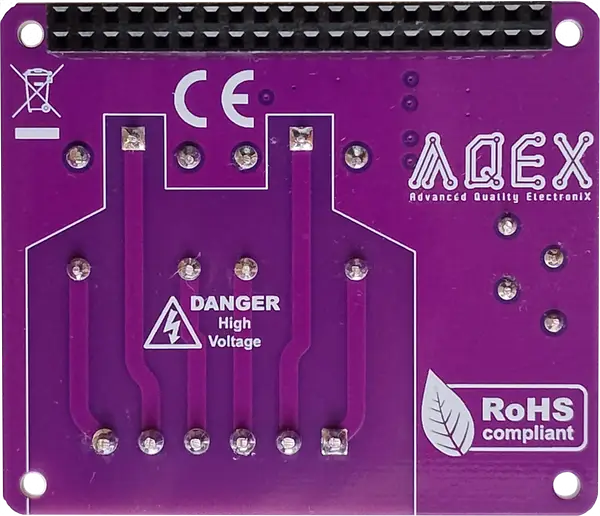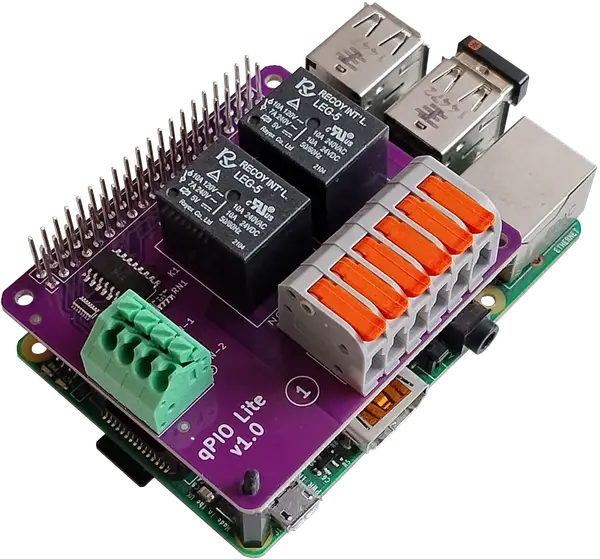
AQEX Synapse Nexus Lite: Essential Raspberry Pi IO Module for Simple Tasks
Essential I/O expansion for your Raspberry Pi without the overkill. A cost-effective, professional control board engineered with isolated inputs and relays for straightforward automation and smart home tasks.
Built for Developers & Industrial Systems - Developer-Centric Hardware (DCH).
Right-Sized Architecture: Designed for focused projects where you only need essential inputs and relays without paying for unused channels.
Electrical Isolation: Built-in optical protection to safeguard your Raspberry Pi from power surges and noise.
Professional Connectivity: Reliable screw terminals for secure, durable wiring in compact spaces.
Zero-Configuration Integration: Built-in Home Assistant Auto-MQTT Discovery for instant setup.
 Learn About Our Approach
The Objective Behind Synapse Nexus Lite
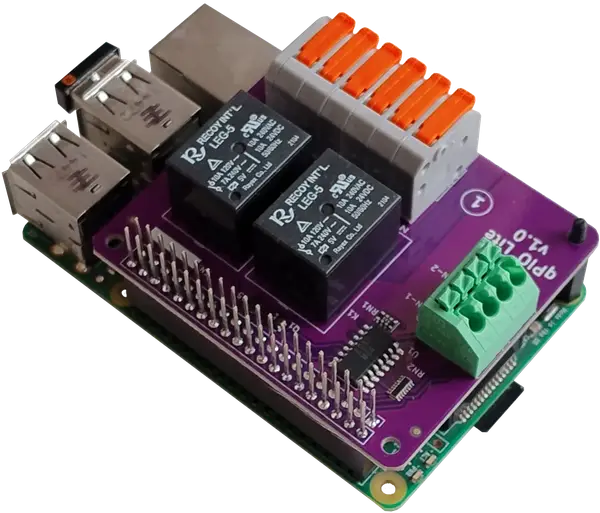
Driven by our Developer-Centric Hardware (DCH) philosophy, we set out to eliminate the cost and bulk of oversized modules for projects where fewer channels are exactly enough.
Most Raspberry Pi I/O boards force you to pay for unused capacity. By focusing strictly on 2 opto-isolated inputs and 2 relay outputs, combined with professional-grade protection and built-in Home Assistant Auto-MQTT Discovery, we created a compact, budget-friendly control solution. Whether you are automating a small setup or tackling a straightforward task, you get uncompromising safety and zero code configuration without paying for extra ports.
Design Choices for Synapse Nexus Lite
From Factor
For easy assembly, Nexus Lite has HAT form factor. Simply connect it via the 40 pin header.
Stackability
Pins on the connector are long ones, all can be accessed from the top of the product.
Reliable connection
Massive, soldered pin header for power and signal connection. Pogo pins are not reliable.
High quality IO connectors
All IO connectors are high quality, vibration-resistant spring terminals.
Zero firmware
Everything is done by hardware.
GPIO communication
Easy programming. Avoid extra load on capacitance limited I2C bus. Only 4 GPIO ports for communication.
Optical isolation
Optically isolated channels safeguard your Raspberry Pi from electrical noise and damage.
Wide input voltage range
3-45V range for level type inputs.
Versatile SPDT Relays
Each relay features both Normally Open (NO) and Normally Closed (NC) contacts, letting you choose how to control your circuits.
Pin allocation of the Synapse Nexus Lite
Input 2/27
Relay Out 2/15
Synapse Nexus Lite User Interface and Indicators
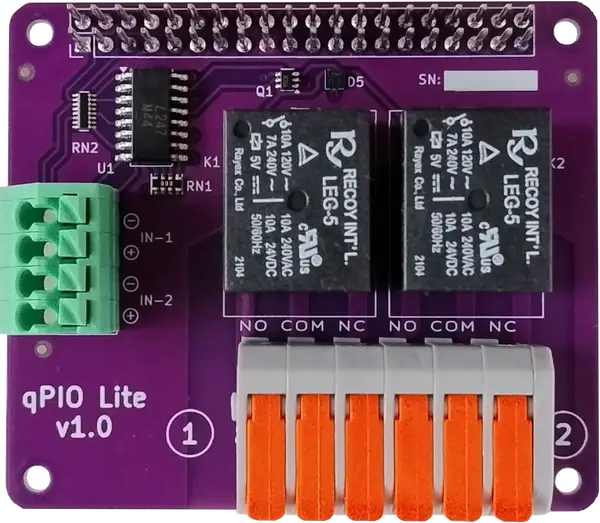
1 - Raspberry Pi 2x20 pin connector
2 - Relays
3 - Output connectors
4 - Input connectors
Technical Specs of the Synapse Nexus Lite
Physical parameters
- Form factor
- Raspberry Pi HAT
- Dimensions
- 65x56x17mm + 11mm header
- Stackable
Inputs- Number of input
- 2
- Input types
- Level
- Input voltage range
- 3-45V
Outputs- Number of outputs
- 2
- Output type
- Relay
- Relay type
- SPDT
- Max voltage
- 240VAC, 24VDC
- Max current resistive
- 7A
- Max current inductive
- 3A
Connectors- Connection type
- Spring terminal
- Vibration resistant
Communication- Method
- GPIO ports
- Used GPIO ports for input
- 2
- Used GPIO ports for output
- 2
Safety- Optical isolation
Software- Control software
- C++ & Python
- Open Source
- Home Assistant compatibility
- Auto-MQTT Discrovery
Synapse Nexus Lite Home Assistant Integration
Home Assistant integration steps:
Open the Github page:
https://github.com/aqexhu/synapse/tree/main/src
Download the driver and sample file:
qpio-ha & sample-config-nexus-lite.json
Update the MQTT parameters in the json file:
broker, port, username, password
Rename the json file, if you want
Start the driver
Synapse Nexus Lite Gallery